


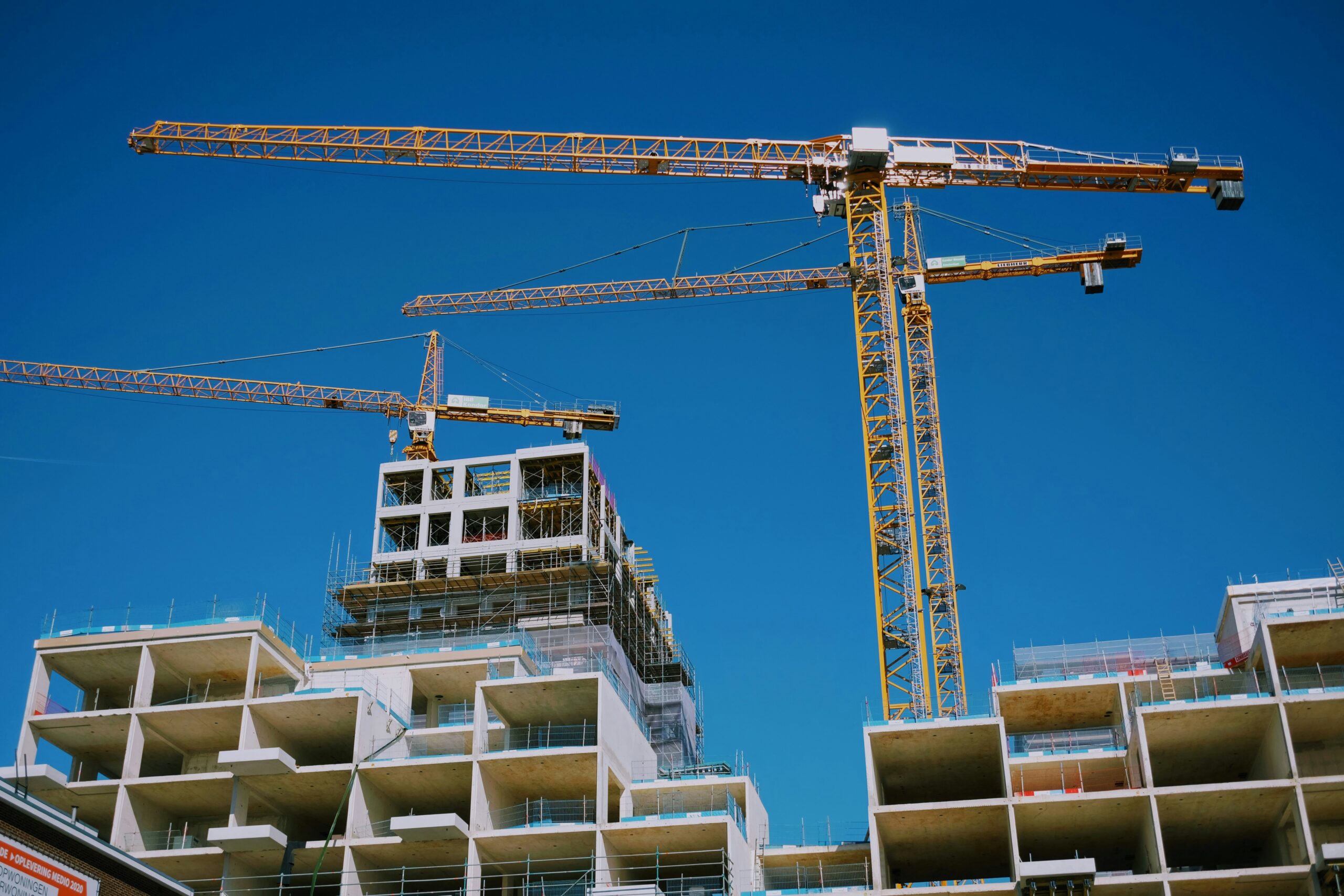
The construction industry is currently undergoing a massive digital transformation that moves away from manual measurements and toward millimetric precision. For decades, builders relied on tape measures and string lines, which often led to human errors and costly rework during the assembly phase.
We now live in an era where 3D laser scanning technology, also known as High-Definition Surveying, allows professionals to capture every detail of a physical space in minutes. These advanced tools project millions of laser points to create a “point cloud,” providing an exact digital twin of any structure or job site.
By integrating these scanners into your workflow, you can identify structural clashes, calculate precise material volumes, and document historical buildings with absolute accuracy. This technology does not just save time; it builds a foundation of trust between architects, contractors, and property owners.
Understanding which scanner fits your specific project needs is essential for staying competitive in a market that demands faster and more accurate results. This guide explores the most effective 3D laser scanning solutions currently redefining the boundaries of construction and architectural design.
Mastering Static Terrestrial Laser Scanners

A. Achieving High Precision with Tripod Mounted Units
Static terrestrial laser scanners represent the gold standard for accuracy in the building industry today. You place these devices on a stable tripod, and they rotate 360 degrees to capture everything within their line of sight with sub-millimeter precision.
These scanners are perfect for detailed architectural surveys, structural inspections, and creating highly accurate “as-built” documentation.
Most modern units also capture high-resolution HDR imagery to colorize the point cloud, making the digital model look exactly like the real world. This level of detail ensures that even the smallest pipe or structural beam is documented in its exact geographic location.
From my perspective, many builders feel intimidated by the setup time of static scanners compared to handheld options. You solve the problem of “slow data collection” by strategically placing the tripod in locations that maximize the visible surface area.
I suggest you use specialized “target spheres” in the corners of the room to help the software align multiple scans automatically. This small bit of extra prep work ensures that your final digital model is perfectly seamless and free from alignment errors.
B. Optimizing Scan Density for Large Structures
When scanning a massive warehouse or a multi-story office building, you must choose the right “point density” to balance detail with file size. A higher density captures more detail but creates massive datasets that can slow down your computer during the processing phase.
You should adjust the scanner settings based on the complexity of the area, using high density for intricate mechanical rooms and lower density for flat, open floors.
Modern scanners allow you to define specific “windows” of high-resolution scanning within a broader, low-resolution sweep. This smart management of data ensures you get the information you need without overwhelming your digital storage.
I believe that “data bloat” is the biggest hidden cost for companies moving into 3D scanning for the first time. You solve the problem of unmanageable file sizes by only scanning at maximum resolution for critical areas like structural connections or tight utility corridors.
My advice is to create a “scanning plan” on a 2D floor plan before you even arrive at the site. This prevents you from scanning the same area multiple times and keeps your workflow lean and productive.
C. Managing Environmental Factors During Outdoor Scans
Outdoor scanning presents unique challenges such as moving traffic, changing light conditions, and environmental vibrations. You should look for scanners with high IP ratings that can withstand dust and light rain without damaging the sensitive internal optics.
Advanced units include “active” compensation features that detect if the tripod has moved slightly due to wind or ground vibration. Scheduling your outdoor scans during low-traffic periods or early morning light can also significantly improve the quality of the HDR imagery.
Protecting your equipment from the elements is vital for maintaining the calibration and accuracy of your high-end scanning tools.
In my view, the “perfect” scan doesn’t exist, but you can get very close by controlling your environment as much as possible. You solve the problem of “ghosting” from moving cars or people by using software filters that automatically remove non-stationary objects.
I suggest you invest in a heavy-duty, professional-grade tripod specifically designed for surveying to minimize wind-induced shake. A stable base is the most affordable way to increase the overall precision of your expensive laser scanning hardware.
D. The Importance of Long Range Capability
For massive infrastructure projects like bridges or high-rise facades, the “range” of your laser scanner becomes a critical factor. Some professional scanners can reach distances of over 300 meters, allowing you to capture data from a safe distance without needing scaffolding or lifts.
Long-range scanning is essential for topographic mapping and monitoring large-scale earthworks where human access might be restricted.
You should check the “noise” levels at the maximum range, as accuracy tends to decrease as the laser travels further from the source. Choosing a scanner with a powerful laser ensures that you get clean, usable data even at the edge of the project boundary.
I think that many builders buy short-range “indoor” scanners and quickly regret it when they land a larger exterior contract. You solve the problem of “hardware limitations” by choosing a versatile mid-to-long range scanner as your primary tool.
My take is that it is much better to have range you don’t use every day than to be unable to finish a high-paying job. A long-range scanner gives your business the flexibility to grow into civil engineering and large-scale commercial projects.
Exploring the Agility of Handheld SLAM Scanners
A. Leveraging Simultaneous Localization and Mapping
Handheld scanners use a technology called SLAM (Simultaneous Localization and Mapping) to track their position in space as you walk through a building. This allows you to capture data at walking speed, making it much faster than moving a tripod-based system every few minutes.
You simply pull the trigger and walk a “loop” through the site, and the scanner builds the 3D model in real-time on a connected tablet.
While SLAM scanners are generally slightly less accurate than static units, they are perfect for rapid floor plan creation and progress tracking. They turn a two-day survey into a twenty-minute walk, providing incredible ROI for busy project managers.
From my perspective, the speed of SLAM technology is a “game changer” for renovation projects where time on-site is limited. You solve the problem of “access restrictions” by quickly walking through occupied spaces without disturbing the tenants or workers.
I suggest you always start and end your walk at the exact same physical point to help the software close the “loop” and correct any drift. This simple technique significantly improves the overall accuracy of your handheld data and prevents warped digital models.
B. Integrating Mobile Scanning with Progress Tracking
Because handheld scanners are so fast, you can use them weekly or even daily to track the progress of a construction project. You can compare the latest scan against the original BIM (Building Information Modeling) model to see if walls and pipes are being installed in the correct locations.
This “real-time” quality control catches errors before they are covered up by drywall or concrete, saving thousands of dollars in rework.
Many companies now use these scans to provide “proof of work” to lenders and stakeholders, ensuring faster payments and better transparency. It moves the scanning process from a one-time event to a continuous stream of project intelligence.
I believe that “weekly scanning” will soon be as common as taking photos on a job site for progress reports. You solve the problem of “hidden mistakes” by maintaining a transparent digital history of the entire construction process.
My advice is to assign a junior team member to perform a quick “sweep” of the active work zones every Friday afternoon. This ensures you have a complete and verifiable record of what is behind every wall before the site moves to the next phase.
C. Understanding the Limits of Accuracy in Mobile Tech
While SLAM scanners are incredibly fast, they do have a higher “error budget” than static tripod-based systems. You should expect an accuracy of roughly one to three centimeters depending on the quality of the device and the complexity of the environment.
This makes them excellent for general layouts and volume calculations but perhaps not for high-precision structural steel fabrication.
You must match the tool to the task; use SLAM for speed and volume, and use static scanners for millimeters and legal surveys. Understanding these technical boundaries prevents you from using the wrong tool for a high-stakes professional application.
In my view, the “good enough” accuracy of SLAM is actually the perfect solution for ninety percent of interior construction tasks. You solve the problem of “over-engineering” your workflow by using the fastest tool that meets the project’s tolerance requirements.
I suggest you combine technologies by using a static scanner for your “control points” and a handheld scanner for the “in-fill” data. This hybrid approach gives you the precision of a tripod with the incredible speed of a mobile device.
D. The Power of Real Time Data Visualization
Most modern handheld scanners link directly to a smartphone or tablet, allowing you to see the 3D model as it is being built. This immediate feedback ensures that you haven’t missed any “shadow zones” or corners before you leave the site.
If a section of the room looks blurry or incomplete on your screen, you can simply walk back and capture more data instantly.
This eliminates the frustration of returning to the office only to find that your data is missing a critical piece of the puzzle. It empowers the operator to be their own “quality control” expert while they are still physically in the building.
I think the “live view” is the most important psychological tool for a new operator to build confidence in the technology. You solve the problem of “missing data” by being able to visually verify your work in the palm of your hand.
My take is that you should move the scanner in a slow, smooth “painting” motion to ensure the laser covers every surface evenly. Watching the points appear on your screen in real-time makes the complex world of 3D data feel intuitive and manageable.
Strategic Processing and BIM Integration
A. Automating Point Cloud Registration
Registration is the process of stitching multiple scans together into a single, unified coordinate system. Modern software uses AI to identify overlapping patterns in your scans and “snap” them together automatically with very little human intervention.
This replaces the old, tedious method of manually clicking on “common points” in every single pair of scans. Automated registration reduces the processing time from days to hours, allowing you to deliver the final 3D model to the client much faster.
High-quality software also provides a “cloud-to-cloud” error report to prove how tightly the scans are aligned.
From my perspective, the software is just as important as the hardware when it comes to the final “usable” result. You solve the problem of “bottlenecks in the office” by choosing a software ecosystem that prioritizes automation and AI-driven alignment.
I suggest you keep your individual scan files organized by date and floor level to help the software work more efficiently. A clean data structure is the secret to a fast and professional digital reconstruction process.
B. Extracting 2D Floor Plans and Sections
While the 3D point cloud is impressive, most builders and architects still need traditional 2D floor plans and sections for their daily work. You can use specialized software to “slice” through the 3D model and automatically generate clean, accurate CAD drawings.
This process ensures that your 2D plans are a perfect reflection of the physical reality, including any “out-of-square” walls or sloping floors.
It provides a level of detail that manual measuring could never achieve, such as identifying the exact thickness of old masonry walls. These 2D deliverables are the primary bridge between the high-tech scan and the traditional construction process.
I believe that “automated drafting” is where the real profit lives for a modern surveying or architecture firm. You solve the problem of “slow manual drafting” by letting the software trace the walls and windows from the scan data.
My advice is to use the 3D model as a “locked” background layer and draw your new designs directly on top of it. This ensures that every new wall you design will actually fit perfectly when it arrives on the job site.
C. Clash Detection in the Digital Space
Clash detection involves overlaying your new 3D design model on top of the “as-built” laser scan to see if anything collides. For example, you can see if a new air conditioning duct will hit an existing structural beam that wasn’t on the original drawings.
Finding these “clashes” in the virtual world costs almost nothing to fix compared to finding them on-site during installation.
This proactive strategy is a requirement for modern large-scale projects using BIM (Building Information Modeling) standards. It turns the laser scanner into a “preventative medicine” tool for your project budget and schedule.
In my experience, a single major clash detected early can pay for the entire cost of the laser scanner in one go. You solve the problem of “expensive rework” by being a digital detective and hunting for problems before the construction crew arrives.
I suggest you run a “clash report” once a week as the design evolves to ensure that the virtual and physical worlds stay in sync. This level of foresight makes you an indispensable partner to any general contractor or mechanical engineer.
D. The Role of VR and AR in Data Delivery
You can now take your 3D laser scan data and put it into a Virtual Reality (VR) headset for a truly immersive site walkthrough. Stakeholders can “walk” through the future building or explore a remote site from across the world as if they were actually there.
Augmented Reality (AR) allows you to project the 3D scan data back onto the physical site using a smartphone or tablet. This helps workers see “through” walls to find hidden pipes or see exactly where a new fixture should be installed.
Delivering data in these immersive formats makes your agency stand out as a leader in the next generation of construction tech.
I think that “experiencing” the data is much more powerful than just “looking” at it on a computer screen. You solve the problem of “client confusion” by letting them stand inside the digital twin and see the project for themselves.
My take is that you should offer VR walkthroughs as a premium service for your most important presentations and high-stakes meetings. It provides a “wow factor” that builds excitement and ensures everyone is aligned on the final vision.
Conclusion

3D laser scanning is no longer a luxury for big companies; it is a vital tool for any modern builder. It provides a level of accuracy and safety that traditional methods simply cannot match.
Investing in this technology is the smartest way to protect your profit margins and reduce rework. You should view the scanner as a permanent part of your professional toolkit.
The technology continues to get faster and easier to use with every new model. You can start small and grow your capabilities as you see the results in your own projects.
Always focus on the quality of your data and the needs of your clients. Providing accurate and usable information is what makes you a leader in the industry.
Managing your digital assets with care is just as important as maintaining your physical tools. A clean and organized digital twin is a valuable asset for the life of the building.
Do not be afraid of the learning curve; the software is becoming much more intuitive and automated. Most professionals can master the basics of scanning in just a few days of training.
Your journey toward a more precise and profitable building career starts with your first 3D scan. Take that step today and build the future of construction with absolute confidence.